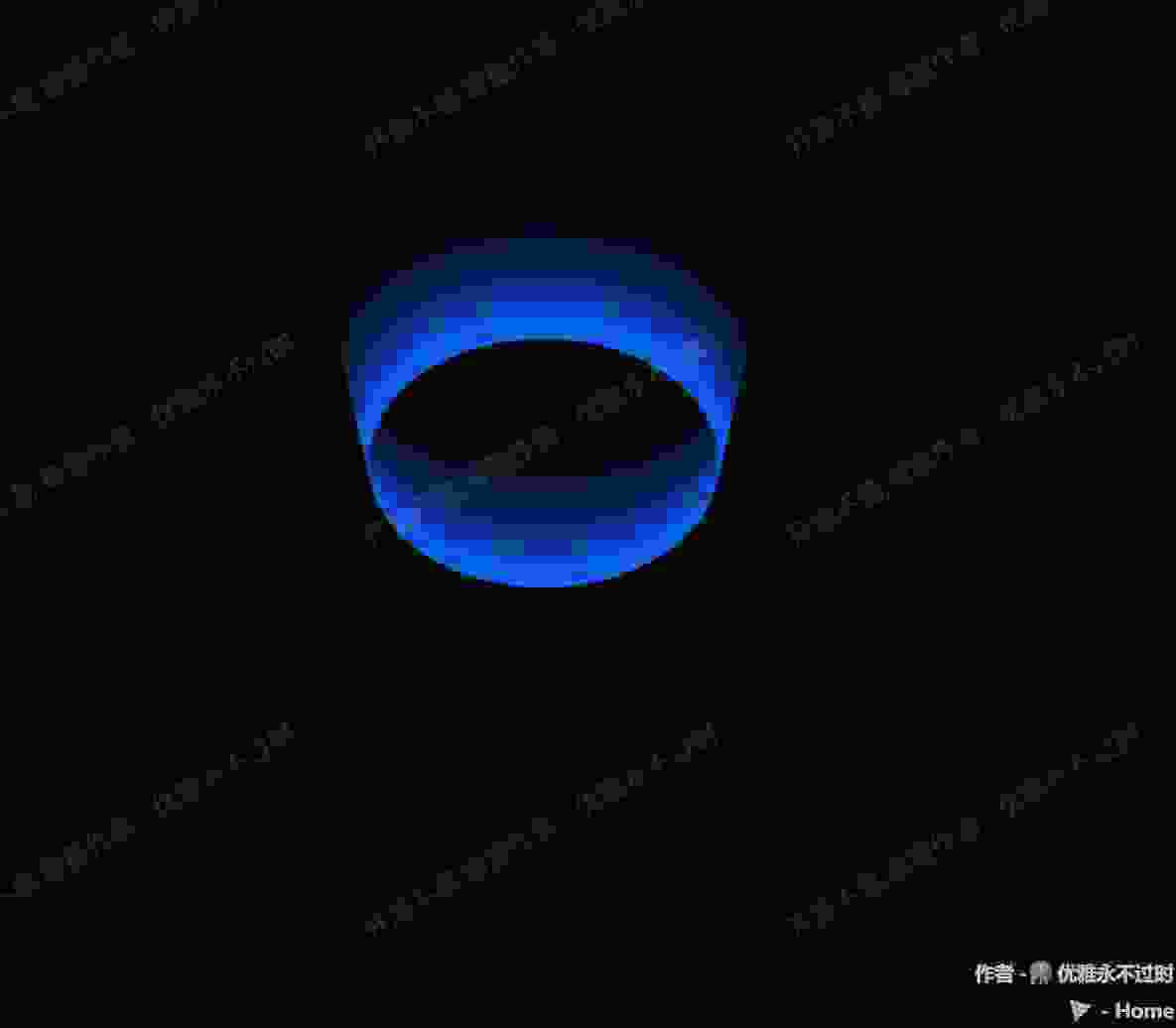
Three.js 管道流动效果
提示词
使用 Three.js 创建管道流动效果,使用 GSAP 动画和纹理偏移实现管道内液体流动效果。
效果描述
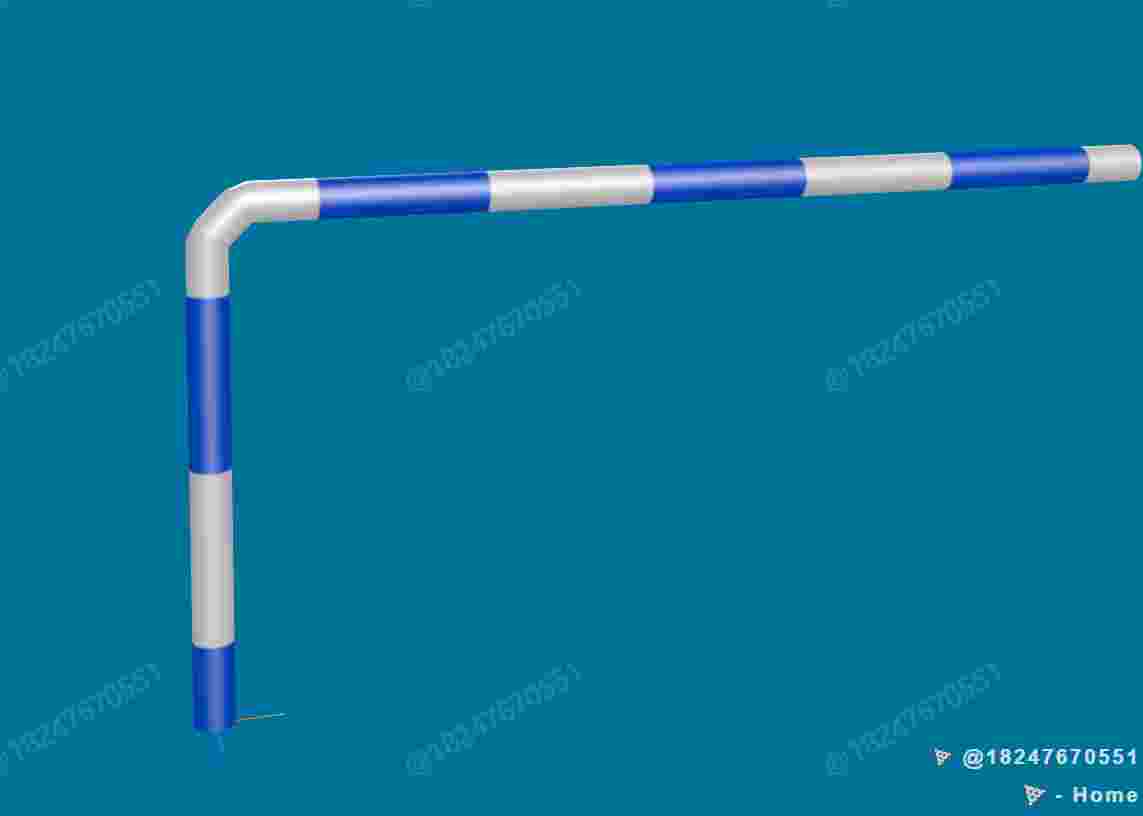
这是一个展示如何创建管道流动效果的示例,使用 GSAP 动画和纹理偏移实现管道内液体流动效果。
效果特性
- 管道流动:创建管道流动效果
- GSAP动画:使用 GSAP 动画
- 纹理偏移:纹理偏移动画
- 曲线管道:使用曲线创建管道
- 流动动画:液体流动动画
- 自定义类:自定义管道类
核心参数
| 参数 |
值 |
说明 |
| 管道半径 |
70 |
管道半径 |
| 管道颜色 |
0x777777 |
管道颜色 |
| 流动速度 |
1.0 |
流动速度 |
| 纹理重复 |
可变 |
纹理重复 |
| 曲线路径 |
可变 |
曲线路径 |
核心代码解析
创建管道类
1
2
3
4
5
6
7
8
9
10
11
12
13
14
15
16
17
18
19
20
21
22
23
24
25
26
27
28
29
30
31
32
33
34
35
36
37
38
39
40
41
42
43
44
45
class DemoPipe extends THREE.Mesh {
    flowAnimation;
    flowTexture;

    constructor(name, options) {
        const defaultOptions = {
            radius: 70,
            color: 0x777777,
            radiusSegments: 16,
            tubularSegments: 100,
            curve: new THREE.CatmullRomCurve3(),
        };
        const finalOptions = Object.assign({}, defaultOptions, options);

        const flowTexture = new THREE.TextureLoader().load(FILE_HOST + "threeExamples/application/flow.png");
        flowTexture.colorSpace = THREE.SRGBColorSpace;
        flowTexture.wrapS = flowTexture.wrapT = THREE.RepeatWrapping;
        flowTexture.repeat.set(finalOptions.curve.getLength() / 1000, 1);
        flowTexture.needsUpdate = true;

        const mat = new THREE.MeshPhongMaterial({
            color: finalOptions.color,
            transparent: true,
            side: THREE.DoubleSide,
            specular: finalOptions.color,
            shininess: 15,
        });

        const geo = new THREE.TubeGeometry(finalOptions.curve, finalOptions.tubularSegments, finalOptions.radius, finalOptions.radiusSegments);
        super(name, geo, mat);

        this.flowTexture = flowTexture;
        this.flowAnimation = this.createFlowAnimation();
    }

    createFlowAnimation() {
        return gsap.to(this.flowTexture.offset, {
            x: -3,
            duration: 1,
            ease: "none",
            repeat: -1,
            paused: true
        });
    }
}
创建管道
const curve = new THREE.CatmullRomCurve3([
    new THREE.Vector3(-10, 0, 0),
    new THREE.Vector3(-5, 5, 5),
    new THREE.Vector3(0, 0, 10),
    new THREE.Vector3(5, -5, 5),
    new THREE.Vector3(10, 0, 0)
]);

const pipe = new DemoPipe("flowPipe", {
    radius: 1,
    color: 0x777777,
    curve: curve
});

scene.add(pipe);
控制流动
function startFlow() {
    pipe.flowAnimation.play();
}

function stopFlow() {
    pipe.flowAnimation.pause();
}

function setFlowSpeed(speed) {
    pipe.flowAnimation.timeScale(speed);
}
技术亮点
- 管道流动:创建管道流动效果
- GSAP动画:使用 GSAP 动画
- 纹理偏移:纹理偏移动画
- 曲线管道:使用曲线创建管道
- 流动动画:液体流动动画
调试技巧
- 管道半径:调整管道半径改变管道大小
- 管道颜色:调整管道颜色改变显示
- 流动速度:调整流动速度改变动画
- 纹理重复:调整纹理重复改变显示
- 曲线路径:调整曲线路径改变管道形状
扩展方向
- 复杂管道:创建更复杂的管道
- 交互控制:添加交互控制
- 多种流动:支持多种流动效果
- 物理模拟:添加物理模拟
- 自定义管道:支持自定义管道
本文档由 ThreeLab 编辑整理,如需转载,请注明出处。





 京公网安备 11010502038735号
💬 评论区
评论功能即将上线,敬请期待!