提示词
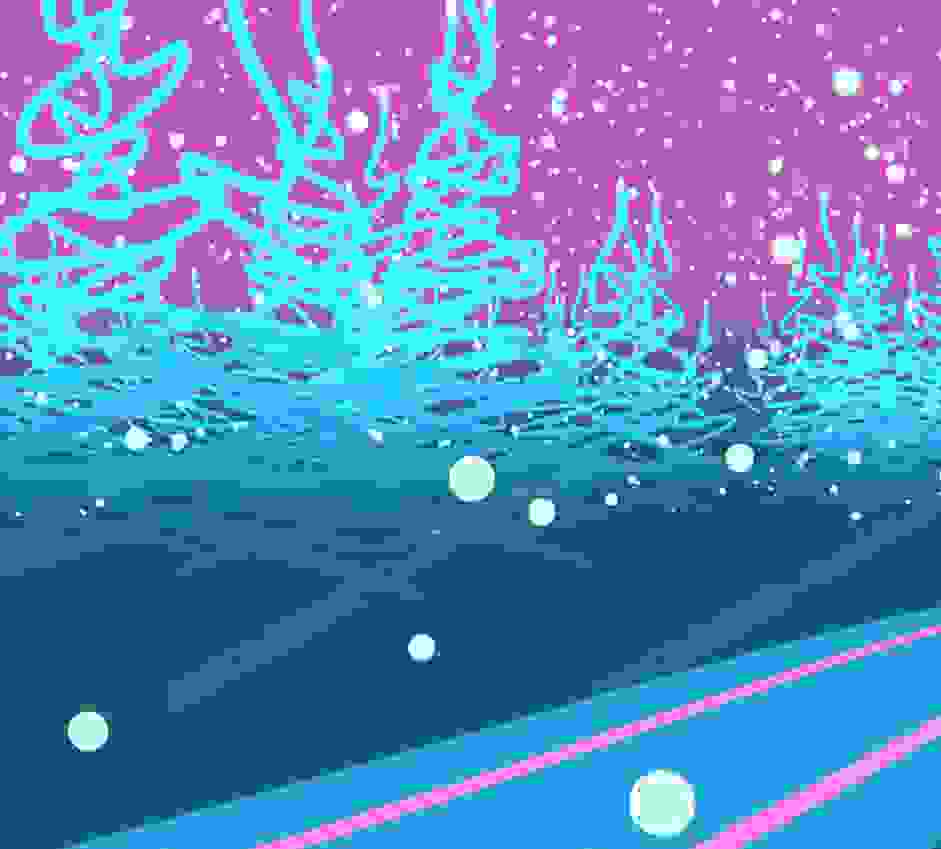
使用Three.js的ShaderMaterial创建新年主题的3D场景,实现渐变天空背景和动态太阳效果,营造节日氛围。
效果拆解
| 效果 |
实现方式 |
| 天空背景 |
使用SphereGeometry和ShaderMaterial创建渐变天空 |
| 太阳效果 |
使用基础几何体和材质创建太阳 |
| 渐变着色器 |
使用自定义着色器实现颜色渐变 |
| 背面渲染 |
设置side: THREE.BackSide实现内部可见 |
| 颜色混合 |
使用mix函数实现平滑颜色过渡 |
| 场景氛围 |
通过颜色和光照营造节日氛围 |
核心技术点
1. 天空背景类
1
2
3
4
5
6
7
8
9
10
11
12
13
14
15
16
17
18
19
20
21
22
23
24
25
26
27
28
class Background extends THREE.Mesh {
  constructor() {
    super(
      new THREE.SphereGeometry(500, 72, 36),
      new THREE.ShaderMaterial({
        side: THREE.BackSide,
        vertexShader: `
          varying vec3 vPos;
          void main(){
            vPos = position;
            gl_Position = projectionMatrix * modelViewMatrix * vec4(position, 1.);
          }
        `,
        fragmentShader: `
          varying vec3 vPos;
          void main(){
            float f = smoothstep(0., 50., vPos.y);
            vec3 baseCol = vec3(0.25, 0.75, 1) * 0.5;
            vec3 topCol = vec3(1, 0.5, 1) * 0.75;
            vec3 col = mix( baseCol, topCol, f);

            gl_FragColor = vec4(col, 1.);
          }
        `,
      })
    );
  }
}
2. 太阳创建
function createSun() {
  const sunGeometry = new THREE.SphereGeometry(30, 32, 32);
  const sunMaterial = new THREE.MeshBasicMaterial({
    color: 0xffff00,
    transparent: true,
    opacity: 0.8
  });
  const sun = new THREE.Mesh(sunGeometry, sunMaterial);
  sun.position.set(200, 150, -300);
  scene.add(sun);
  return sun;
}
3. 光照设置
const ambientLight = new THREE.AmbientLight(0xffffff, 0.4);
scene.add(ambientLight);

const directionalLight = new THREE.DirectionalLight(0xffffff, 0.8);
directionalLight.position.set(200, 150, -300);
scene.add(directionalLight);
4. 动画效果
function animate() {
  requestAnimationFrame(animate);

  sun.position.x += 0.1;
  if (sun.position.x > 400) {
    sun.position.x = -400;
  }

  renderer.render(scene, camera);
}
调试技巧
- 颜色调整:修改baseCol和topCol获得不同的天空效果
- 渐变范围:调整smoothstep的参数改变渐变范围
- 太阳位置:根据需要调整太阳的初始位置和运动轨迹
- 球体精度:调整SphereGeometry的分段数获得更平滑的效果
扩展思路
- 动态云层:添加移动的云层效果
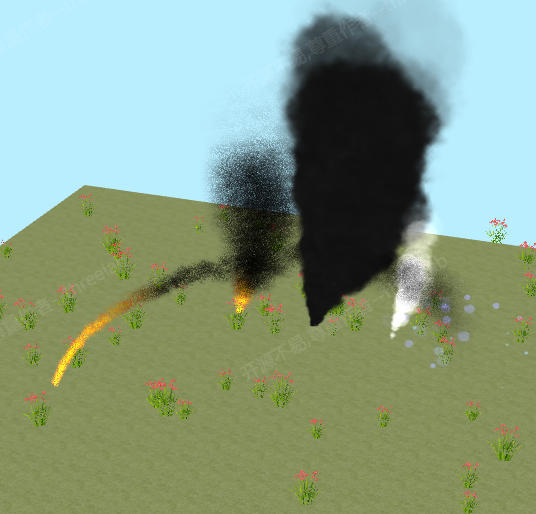
- 粒子烟花:实现烟花粒子效果增强节日氛围
- 文字效果:添加"新年快乐"等3D文字
- 音频同步:根据背景音乐同步视觉效果
- 交互功能:添加鼠标点击触发特效
- 日夜循环:实现完整的天空颜色变化周期




 京公网安备 11010502038735号
💬 评论区
评论功能即将上线,敬请期待!