

Three.js 视频着色器混合特效
📋 AI 提示词
prompt
1
2
3
4
5
6
7
8
9
10
11
12
13
14
15
16
17
18
使用 Three.js 实现视频着色器混合特效,具体要求:

**核心特效**
- 视频纹理实时播放
- 迷彩图案叠加混合
- 10种混合运算模式
- 动态参数控制

**场景与光照**
- AmbientLight 环境光
- Phong 材质基础
- 立方体几何

**交互与控制**
- GUI 切换混合类型
- OrbitControls 旋转

**技术要求**
- Three.js 版本 (ES Module)
- VideoTexture 视频纹理
- ShaderMaterial 混合
- Phong 材质改造
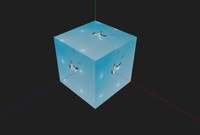
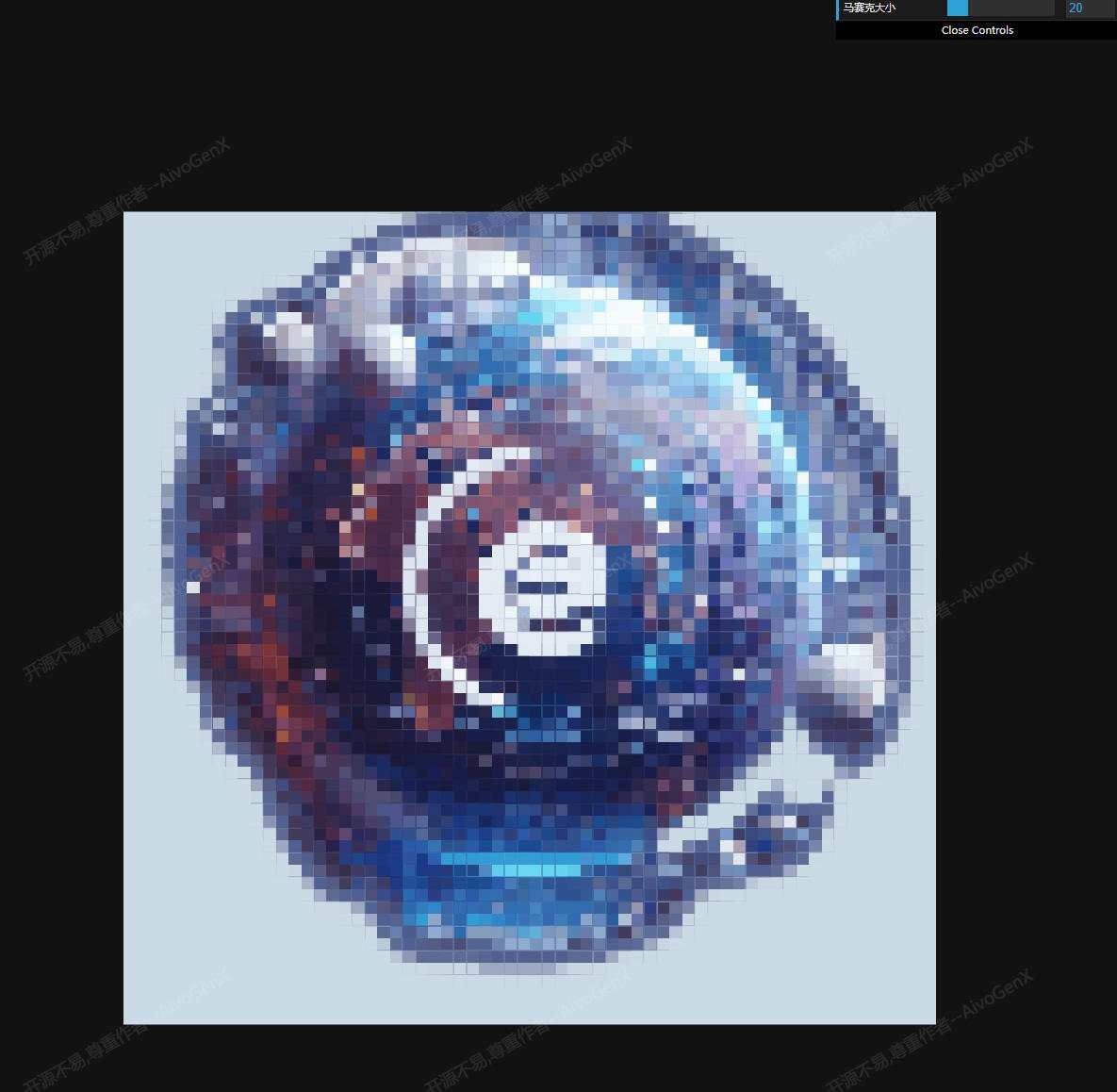
🖼️ 效果预览
🎮 案例演示
📖 效果拆解
| 层次 | 视觉效果 | 技术实现 |
|---|---|---|
| 基础 | 视频纹理 | VideoTexture + video 元素 |
| 核心特效 | 迷彩图案 | sin/length/mod 运算 |
| 混合 | 10种运算 | max/min/mix/mod/pow/step |
| 控制 | GUI 切换 | calcType 参数 |
🔧 核心技术点
1. 视频纹理加载
为什么需要这个技术:异步加载视频并转换为可用的纹理。
javascript
1
2
3
4
5
6
7
8
9
const video = document.createElement("video");
video.crossOrigin = "anonymous";
video.src = "http://vjs.zencdn.net/v/oceans.mp4";
video.loop = true;
video.muted = true;
video.play();
const texture = await new Promise(
    (r) => (video.onloadeddata = () => r(new THREE.VideoTexture(video)))
);
2. 迷彩图案生成
为什么需要这个技术:用数学函数创造周期性迷彩纹理。
glsl
1
2
3
4
5
6
7
vec2 p = gl_FragCoord.xy / r / 2.0;
p -= 0.5;
p.x *= r.x / r.y;
z += 0.07;
l = length(p);
uv += p / l * (sin(z) + 1.) * abs(sin(l * 9. - z - z));
c[i] = 0.01 / length(mod(uv, 1.) - 0.5);
3. 混合运算模式
为什么需要这个技术:不同混合模式产生完全不同的视觉效果。
glsl
1
2
3
4
5
6
if (calcType == 0.0) mixedColor = max(color, c);
else if (calcType == 1.0) mixedColor = min(color, c);
else if (calcType == 2.0) mixedColor = mix(color, c, 0.5);
else if (calcType == 3.0) mixedColor = mod(color, c);
else if (calcType == 4.0) mixedColor = pow(color, c);
else if (calcType == 9.0) mixedColor = color + c - vec3(1.0) * c * color;
💡 调试与优化
| 问题类型 | 表现形式 | 解决方案 |
|---|---|---|
| 视频无法播放 | CORS 错误 | 配置服务器 CORS 头部 |
| 混合效果平淡 | 颜色接近 | 调整视频和图案对比度 |
| 性能问题 | 帧率低 | 降低 shader 精度 |
🚀 扩展思路
| 变体效果 | 核心改动 | 难度 |
|---|---|---|
| 动态图案 | 随时间变化 | ⭐ |
| 颜色通道分离 | RGB 分别处理 | ⭐ |
| 噪声叠加 | fbm 替代 sin | ⭐⭐ |
| 边缘检测 | sobel 算子 | ⭐⭐ |
| 纹理融合 | 多视频混合 | ⭐⭐⭐ |
本文档由 ThreeLab 编辑整理,如需转载,请注明出处。
 京公网安备 11010502038735号
💬 评论区
评论功能即将上线,敬请期待!